
Answer
Dec 15, 2025 - 07:20 AM
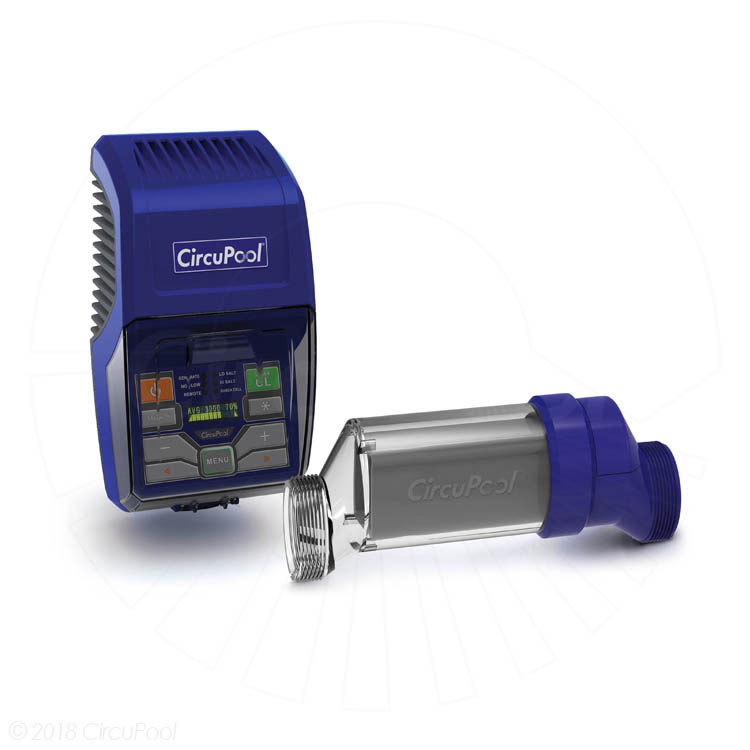
1) Turn off all power at the Control Module
2) Ensure that there is no tension in the Cell Cable that may be pulling on the Cell Cable connection. Inspect the Cell Cable for damage, cuts, abrasions, etc…
3) Disconnect the Cell Cable from the Control Module
4) Inspect the Cell Cable’s male / female connectors. Ensure that no dirt / debris/ insects / corrosion / etc.. has filled any terminal hole, which may prevent a proper connection to the male pin that gets inserted. If any debris is present, clean out terminal(s).
5) On the Control Module’s cord terminal with the silver male pins, take a needle-nose pliers and gently pull on each pin to ensure it is fully extended. It is possible that during attempts to connect the Cell Cable one or all of these pins may have been pushed back into the body of the plug; a recessed pin will not create a full connection and cause the error message.
6) Reconnect the Cell Cable to the Control Module, following steps 3-6 in the previous section to ensure a proper connection.
7) Restore power to the Control Module.
If after attempting the previous procedures there still exists a Cell connection issue, tech support will assist you with your equipment. Please call: 888-206-9938x2
2) Ensure that there is no tension in the Cell Cable that may be pulling on the Cell Cable connection. Inspect the Cell Cable for damage, cuts, abrasions, etc…
3) Disconnect the Cell Cable from the Control Module
4) Inspect the Cell Cable’s male / female connectors. Ensure that no dirt / debris/ insects / corrosion / etc.. has filled any terminal hole, which may prevent a proper connection to the male pin that gets inserted. If any debris is present, clean out terminal(s).
5) On the Control Module’s cord terminal with the silver male pins, take a needle-nose pliers and gently pull on each pin to ensure it is fully extended. It is possible that during attempts to connect the Cell Cable one or all of these pins may have been pushed back into the body of the plug; a recessed pin will not create a full connection and cause the error message.
6) Reconnect the Cell Cable to the Control Module, following steps 3-6 in the previous section to ensure a proper connection.
7) Restore power to the Control Module.
If after attempting the previous procedures there still exists a Cell connection issue, tech support will assist you with your equipment. Please call: 888-206-9938x2


Add New Comment