
Staff Answer
May 19, 2026 - 02:10 PM
In your particular case, you've not been clear as to whether the cell is still clean or you assume so since it's only been four days since cleaning. Re-inspect it and if it's showing deposits again, then you have a LSI problem to address. High LSI can have a clean cell dirty even in less than four days. If it's genuinely still clean, then move onto:
Troubleshooting:
• Double check the pool’s salinity level. Independently measure salt level and adjust to 3500-4000ppm if needed.
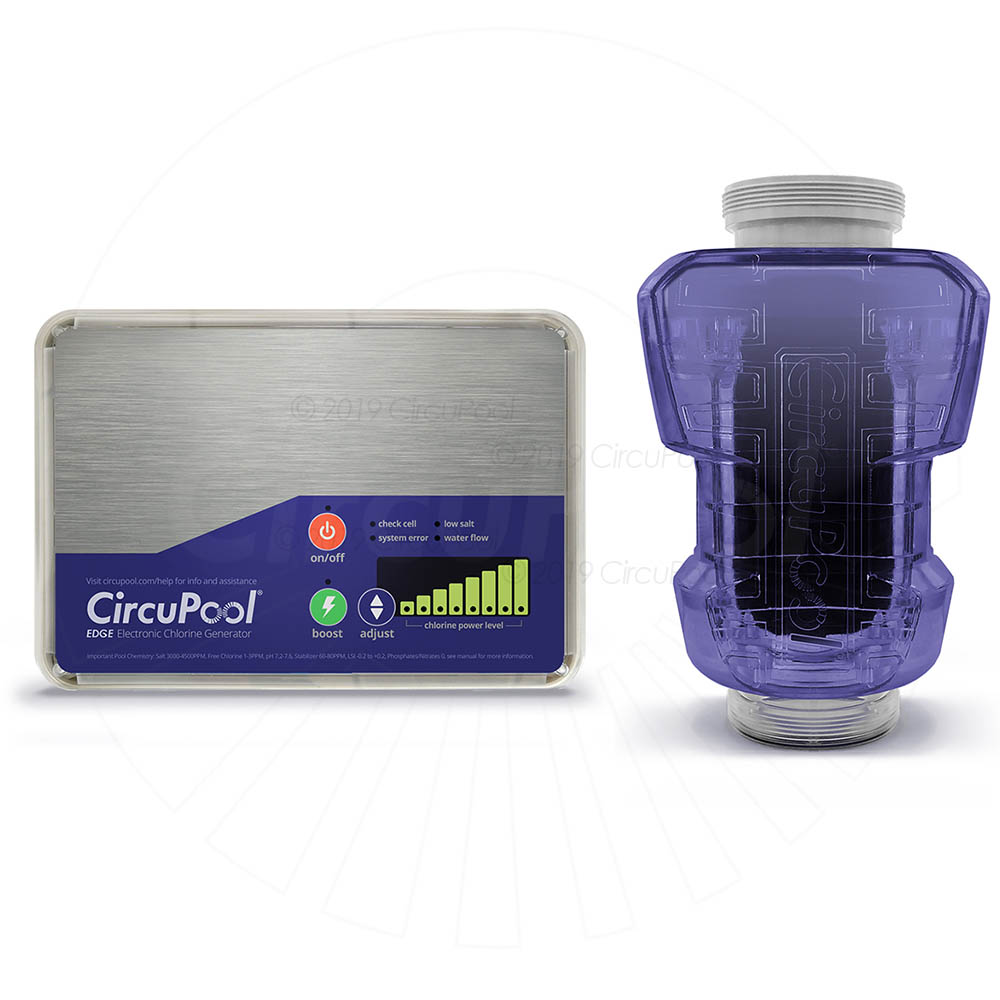
• If the salinity level independently tests in range, the cell needs to be cleaned to remove mineral scaling or other debris. Clean the cell according to the instructions below. Inspect the cell after cleaning to make sure nothing is stuck between the plates. Sometimes multiple cleanings in a row are required; mix a new batch of cleaning solution and let it soak inside the cell. If “fizzing” still occurs, repeat the cleaning process with new solution each time until fizzing no longer occurs when new solution has been added to the cell.
• If the salt level is ideal and the cell has been thoroughly cleaned multiple times in a row, the cell plates may be depleted or damaged and the cell has reached the end of its useable lifespan. If damaged, inspect the cell for plates that are damaged, deteriorated, pitted or physically worn. If so, this indicates corrosive water chemistry (low LSI) that needs to be prevented through regularly ensuring proper water balance.
• Additional Troubleshooting:
• Is the pool losing prime and/or is low-speed pump operation causing air to accumulate in the Cell?
• Has the salt system been run without any pump operation? If the cell has a white milky coating and is no longer clear, the Flow Sensor should also be checked for failure.
• Has a new Cell been installed after replacing a depleted Cell? Allow the system to run for at least 45 minutes and the “check cell” LED should go off.
Ultimately, if necessary, call us at (888) 206-9938 Mon-Thu: 9-4:30 or Fri: 9-3PM Central and a member of our support team will assist you.
Ultimately, if necessary, call us at (888) 206-9938 Mon-Thu: 9-4:30 or Fri: 9-3PM Central and a member of our support team will assist you.



Add New Comment